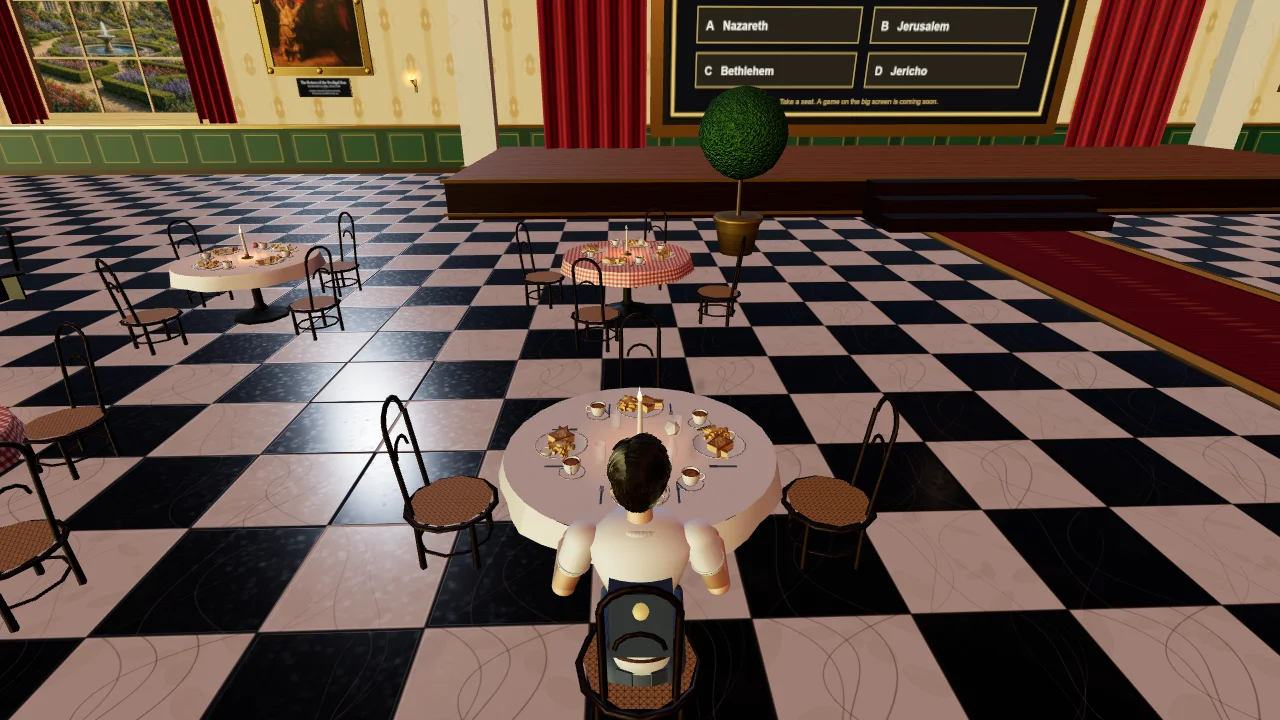
A subject space
A whole place pupils can walk around, standing on The Slopes.
 ImmanuelVirtualWorld
Students, teachers, parents and anyone else can send a finished piece of work. If we use it, your name can appear on the Contributors page, and you may cite it for a CV or a portfolio. Exceptional work can also win an Amazon voucher. We look at the real file first. Nothing is added on its own.
A whole place pupils can walk around, standing on The Slopes.
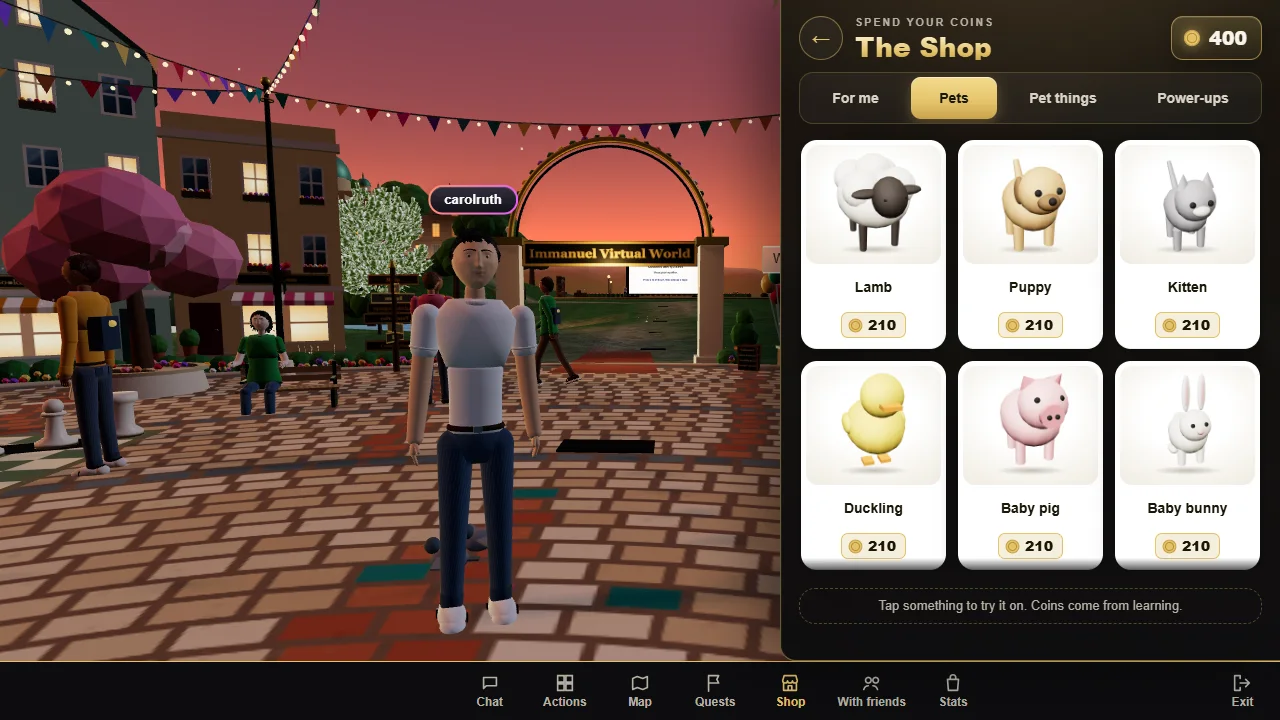
One object people can look at in 3D on the contributors shelf.
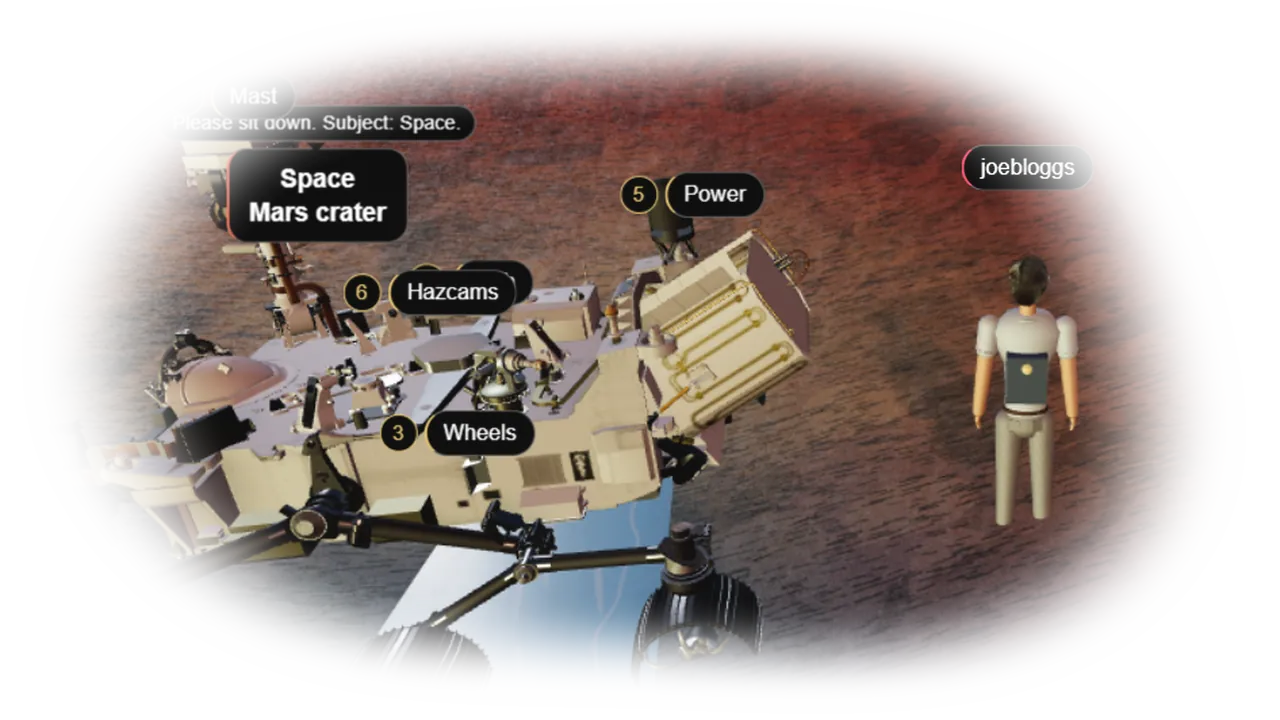
A model to stand on The Slopes, or a learning spot with signs to read.

£10, £20, £30 or £50. Using the work is already an honourable mention.
An Amazon voucher, sent by email if the work is chosen. We show a first name and the first letter of a surname, never a full name. Under 16, the public page shows a first name only, and we write to the parent or teacher on the form.
Start from our file. It has Three.js and the same flat pad your space will stand on when it reaches The Slopes, 28 metres across. You can walk about in it exactly as a pupil would. You vibe-code only inside build(ctx), then you send that same HTML file back.
What to send. The finished ivw-mountain.html, one file. A screenshot is optional (.png, .jpg or .webp).
Download the mountain starter Open it here

Step 1
Save ivw-mountain.html. If a double-click shows a blank page, use Open it here, then save a copy.

Step 2
W, A, S and D to move, drag to turn, R to go back to the way in. A figure 1.75 m tall shows you the scale, and a panel on the right checks your build as you go.

Step 3
Attach the HTML and the prompt below. Say what place you want at the end of the prompt.

Step 4
Add meshes to ctx.scene, and mark every floor with ctx.ground and every wall with ctx.solid. That is what stops a visitor falling through your floor. Y is up, 1 unit is 1 metre, the pad is 28 metres across. The full rules are in the prompt.
Step 5
Save the whole HTML file with the same name, then walk in. Every line in the checks panel must be a green tick, including the walk from the way in to the middle. If one is red, press Copy the report, paste it back and try again. Aim at a real place, like the restaurant.
Step 6
Open Send it in. A screenshot of the browser window is optional. The form is what we review. GitHub is optional and does not replace the file.
Attach ivw-mountain.html with this note.

Edit only the function between the comments IVW-BUILD-START and IVW-BUILD-END. Keep that function
exactly as: async function build(ctx) { ... }. Keep the line <!-- ivw-kit mountain -->. Leave the
hillside, the sky, the lights, the walking figure and the checker alone. Return the whole HTML file.

What ctx gives you:
  ctx.THREE          Three.js r160.
  ctx.scene          a Group. Add every mesh to this.
  ctx.size           28. The pad is 28 metres across.
  ctx.ground(mesh)   mark a surface a visitor can stand on: a floor, a deck, a step, a ramp.
  ctx.solid(mesh)    mark a part a visitor cannot walk through: a wall, a trunk, a railing.
  ctx.sign(x, y, z, text)   a board a pupil can read.
  ctx.entrance(x, z) where a visitor arrives. Leave that side open.
  ctx.onFrame(fn)    called every frame with dt in seconds, for anything that moves.
  ctx.groundAt(x, z) the height of the land there. The pad is flat, so inside it this is 0.

Rules you must keep:
1.  y is up. 1 unit is 1 metre. y = 0 is flat ground. Nothing sinks below y = 0.
2.  Keep x and z between -14 and 14. Stay under 20 metres tall.
3.  Mark every floor with ctx.ground and every wall with ctx.solid. This matters more than
    anything else. A floor you did not mark is a floor a visitor falls through.
4.  A visitor is 1.75 m tall and 0.9 m wide and can step up 0.75 m. A stair step rises no more
    than 0.75 m. A doorway is at least 1.2 m wide and 2.1 m tall. An upper floor needs stairs
    or a ramp that reaches it.
5.  There must be a clear walk from ctx.entrance to the middle. The checker tests this.
6.  Put the learning on ctx.sign boards. Each line under 44 characters, readable from 4 metres.
7.  Build a finished place with real detail, not a few boxes.
8.  Under 150,000 triangles and 2500 parts. Textures at 1024 or 2048.
9.  Do not add lights. The world is already lit.
10. No import. No eval, Function, document.cookie, localStorage, sessionStorage, fetch or
    outside files. Everything must be made in code.

British English: colour, practise, organise, maths. No serial comma. No em dash or en dash, only a
plain hyphen. This site holds a Christian, Biblical world view: where a label touches evolution,
the age of the earth, the Big Bang or the origin of life, write it as a theory many scientists
hold, not as settled fact, and note where it fits that the Bible teaches a different account.

Before you give me the file, open it in a browser and walk in. Every line in the checks panel must
be a green tick, including "You can walk from the way in to the middle". If I paste a report back
to you, fix every FIX line in it.

The place I want:
One thing, not a whole place. Say on the form whether it is for the shop, to stand in the world, or a learning spot people can walk up to. The shop pets and the Mars rover are the level to aim at.

People look at it in 3D. It is not a piece of clothing.
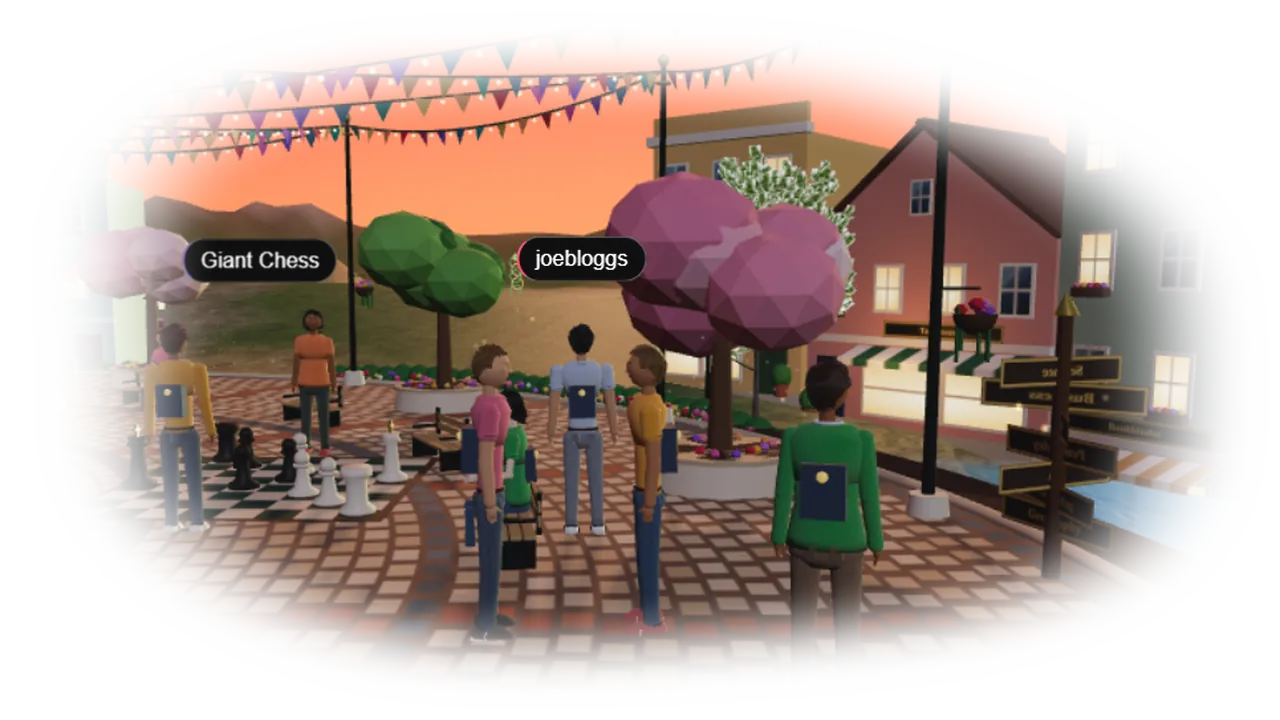
It stands on a free spot on The Slopes, about five metres tall.
Add one sentence on what a pupil should notice.
What to send. A .glb, or a .zip with the .glb inside, or ivw-object.html if you vibe-coded it. A screenshot is optional.

Step 1
Or download ivw-object.html and vibe-code a single object the same way as a space: only build(ctx) changes.
Step 2
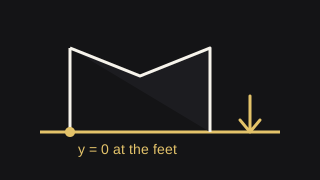
Y is up. 1 unit is 1 metre. The origin is at the feet, so the bottom sits on y = 0. About 5 metres across to stand in the world or as a learning spot, about 1.2 metres for the shop. The starter stands a 1.75 m figure beside it so you can see.

Step 3
Under about 8 MB and 60,000 triangles. A learning spot needs signs a pupil can read from four metres away. Then say on the form what it is for, and send the file. A screenshot is optional.
Download the object starter Open it
Attach ivw-object.html with this note.

Edit only the function between the comments IVW-BUILD-START and IVW-BUILD-END. Keep that function
exactly as: async function build(ctx) { ... }. Keep the line <!-- ivw-kit object -->. Leave the
ground, the lights, the figure that stands there for scale and the checker alone. Return the whole
HTML file.

What ctx gives you:
  ctx.THREE          Three.js r160.
  ctx.scene          a Group. Add every mesh to this.
  ctx.size           the width to aim for, in metres.
  ctx.ground(mesh)   mark a surface a visitor can stand on, if your piece has one.
  ctx.solid(mesh)    mark a part a visitor cannot walk through.
  ctx.sign(x, y, z, text)   a board a pupil can read.
  ctx.onFrame(fn)    called every frame with dt in seconds, for anything that moves.

Size. This is the part people get wrong. y = 0 is the ground your piece stands on, and the bottom
of the piece sits at y = 0, never below it. Build everything relative to ctx.size rather than
typing fixed numbers, because the same file is tried at three sizes:

  To stand in the world   ctx.size is 5.    Up to 8 m tall. A landmark people walk up to.
  A learning spot         ctx.size is 5.    Up to 8 m tall. Must carry at least one ctx.sign.
  For the Shop            ctx.size is 1.2.  Up to 2.2 m tall. Something a pupil holds or keeps.

A figure 1.75 m tall stands beside your piece in the preview. If your piece is a toy next to that
figure when it is meant to stand in the world, it is too small and nobody will look at it.

Rules you must keep:
1. y is up. 1 unit is 1 metre. The lowest point is y = 0. Centre it on x = 0, z = 0.
2. Width 2 to 9 metres for the world and a learning spot, 0.25 to 2 metres for the Shop.
3. Mark anything you can stand on with ctx.ground, and anything that stops you with ctx.solid.
4. A learning spot must have ctx.sign boards. Each line under 44 characters, readable from 4 m.
5. Make it interesting to walk round. Detail on every side, not a flat front.
6. Under 60,000 triangles and 900 parts. Textures at 1024 or 2048.
7. Do not add lights. The world is already lit.
8. No import. No eval, Function, document.cookie, localStorage, sessionStorage, fetch or outside
   files. Everything must be made in code.

British English: colour, practise, organise, maths. No serial comma. No em dash or en dash, only a
plain hyphen. This site holds a Christian, Biblical world view: where a label touches evolution,
the age of the earth, the Big Bang or the origin of life, write it as a theory many scientists
hold, not as settled fact, and note where it fits that the Bible teaches a different account.

Before you give me the file, open it in a browser, press each of the three size buttons, walk up
to it and read every sign from where the figure stands. Every check must be a green tick at the
size I am sending in. If I paste a report back to you, fix every FIX line in it.

The piece I want, and whether it is for the Shop, to stand in the world, or a learning spot:
Optional. A public repository is useful for a portfolio. The form is still what delivers the file, and we wire in the file we were sent.

Step 1
Go to github.com and choose Sign up.
Step 2
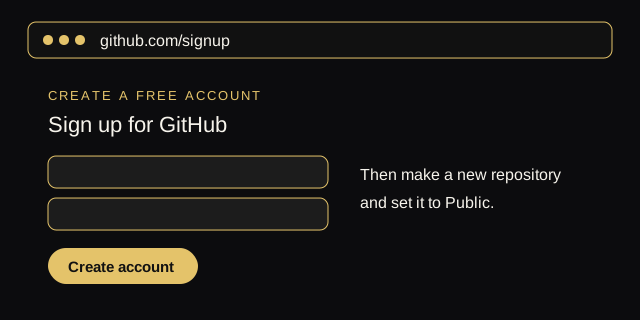
A private repository cannot be used as a portfolio link.
Step 3
The HTML file, or the .glb and the screenshot.

Step 4
Still upload the file on Send it in. The link does not replace it.
All of the form is here. A subject space asks for the HTML file. A single piece asks for a .glb, a .zip or the object HTML. A screenshot is optional.